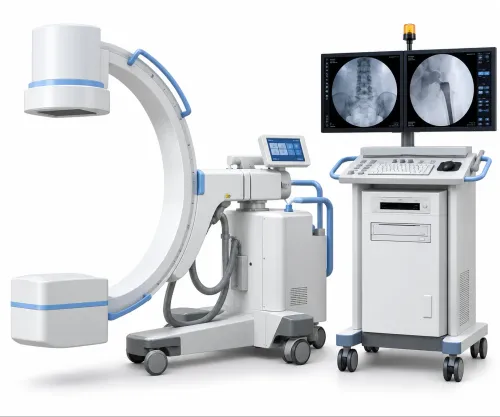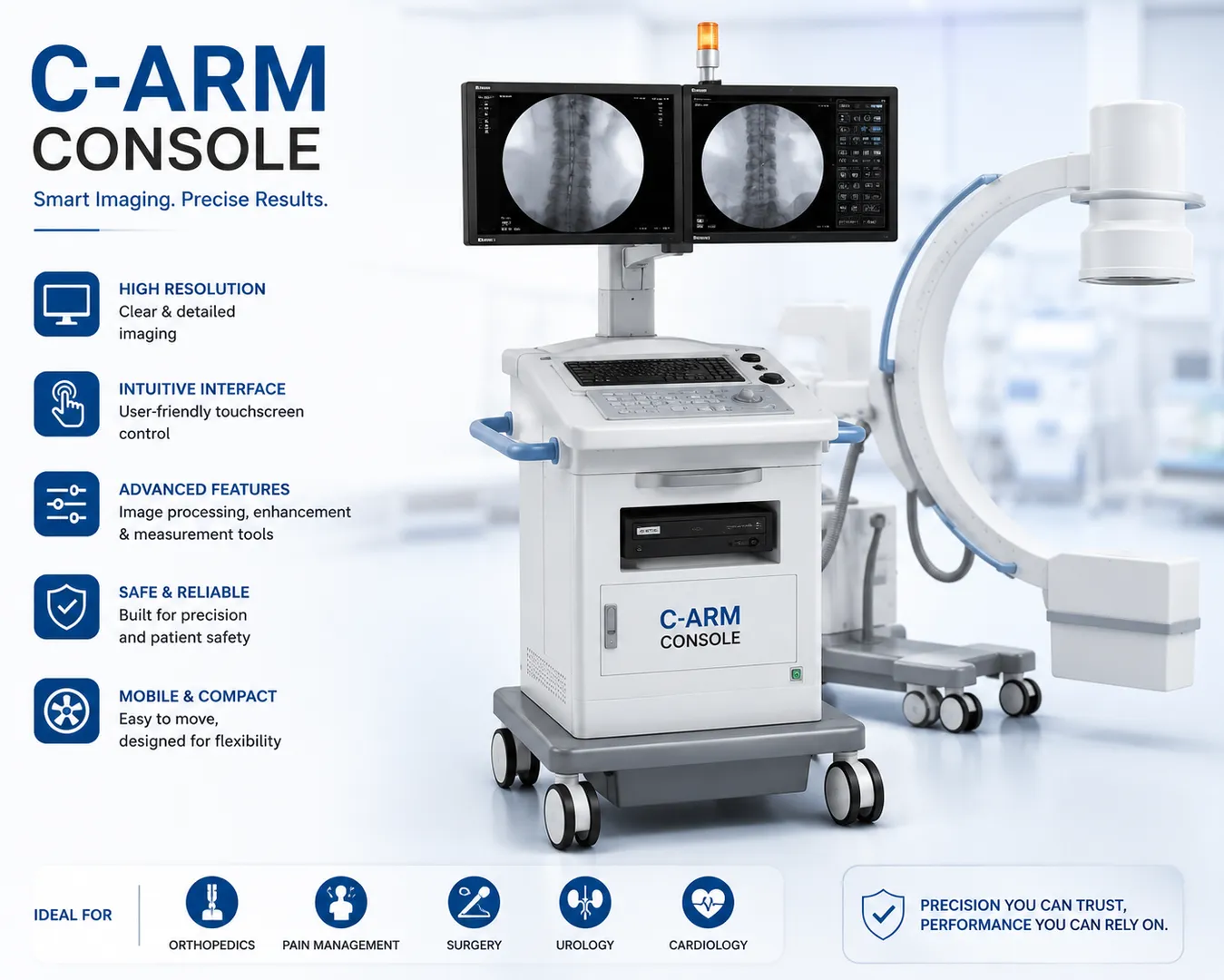
Precision imaging has become a critical part of modern surgery. From orthopedic procedures to cardiovascular interventions, surgeons rely on real-time imaging to make accurate decisions during treatment. At the heart of this workflow is the C-Arm Console, which serves as the operational interface for controlling image acquisition, viewing, and system settings. A well-designed console enhances efficiency in the operating room while helping medical teams focus on patient care.
Healthcare facilities in Nashik are steadily upgrading their imaging infrastructure to support minimally invasive procedures and improve surgical outcomes. Companies such as Spark Medical Services assist hospitals and surgical centres in implementing imaging solutions that meet clinical requirements and integrate with existing medical equipment.
What Is a C-Arm Console?
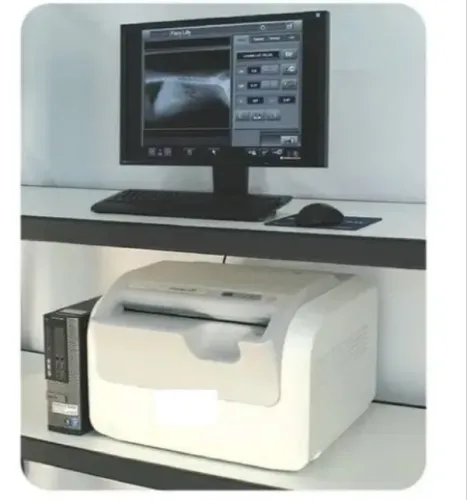
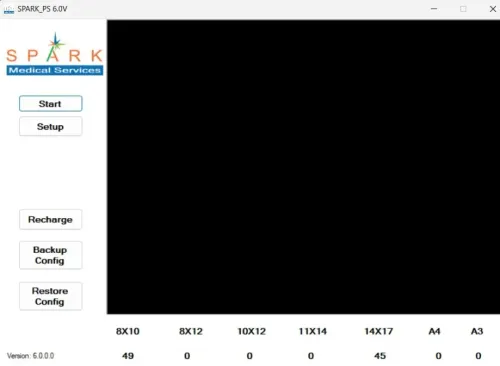
A C-Arm Console is the control workstation connected to a C-Arm imaging system. It enables radiographers, technicians, and surgeons to manage image acquisition, adjust imaging parameters, review captured images, and monitor system performance during procedures.
Unlike the mobile imaging unit itself, the console acts as the command centre where operators can make real-time adjustments without interrupting the surgical workflow.
A modern console typically includes:
- High-resolution medical display
- Image acquisition controls
- Exposure parameter settings
- Patient information management
- Image enhancement tools
- Storage and retrieval functions
- DICOM connectivity options
These features allow medical professionals to obtain high-quality images while maintaining procedural efficiency.
How Does a C-Arm Console Work?
During a procedure, the C-Arm captures fluoroscopic or radiographic images, which are immediately transmitted to the console. The operator can then review the images, adjust contrast or brightness if necessary, store important images, and continue imaging without delay.
The typical workflow includes:
- Patient preparation
- Image acquisition
- Instant image display
- Image adjustment and review
- Storage or transfer to PACS
- Continued real-time guidance during surgery
This immediate feedback helps surgeons make informed decisions without waiting for image processing.
Where Is a C-Arm Console Used?
C-Arm systems support a wide variety of medical specialties.
Common applications include:
- Orthopedic surgery
- Trauma surgery
- Spine procedures
- Pain management
- Cardiology
- Vascular surgery
- Urology
- Gastroenterology
- Neurosurgery
Because many procedures depend on continuous image guidance, the console plays an important role in maintaining smooth surgical workflows.
Key Features to Look For
Hospitals planning to purchase or upgrade a C-Arm Console should evaluate several practical features.
High-Resolution Display
Clear image visualization helps surgeons identify anatomical structures with greater confidence.
User-Friendly Interface
An intuitive interface reduces the learning curve for technicians and minimizes delays during procedures.
Image Enhancement Tools
Modern consoles provide functions such as zoom, contrast adjustment, edge enhancement, and image rotation, improving diagnostic visibility.
DICOM Compatibility
Integration with PACS, Hospital Management Systems, and other imaging software ensures that images can be archived and retrieved efficiently.
Fast Image Processing
Quick image rendering allows surgeons to continue procedures without unnecessary interruptions.
Benefits for Hospitals and Surgical Centres
A reliable C-Arm Console contributes to both clinical efficiency and operational productivity.
Some of the key benefits include:
- Improved surgical precision
- Faster image review
- Better communication among medical teams
- Reduced procedure time
- Enhanced documentation
- Simplified image storage
For hospitals handling a high volume of surgical cases, these improvements support smoother day-to-day operations.
Common Buying Considerations
Selecting a console involves more than comparing technical specifications.
Healthcare administrators should evaluate:
- Compatibility with existing C-Arm equipment
- Software upgrade availability
- Display quality
- DICOM integration
- Ease of maintenance
- Availability of technical support
- Long-term service requirements
Planning for future expansion is equally important, particularly for hospitals expecting increased surgical workloads.
Best Practices for Daily Operation
Proper use and maintenance help maximize equipment performance.
Recommended practices include:
- Perform routine system checks before procedures.
- Keep software updated according to manufacturer recommendations.
- Ensure regular calibration.
- Train operators on new software features.
- Maintain a clean operating environment around the workstation.
- Schedule preventive maintenance inspections.
These simple steps contribute to consistent image quality and longer equipment life.
Frequently Asked Questions
Can a C-Arm Console integrate with hospital imaging systems?
Yes. Most modern consoles support DICOM standards, enabling integration with PACS, RIS, and Hospital Management Systems.
Is operator training necessary?
Yes. Although many systems feature intuitive interfaces, proper training helps technicians use advanced imaging functions effectively.
Does the console store patient images?
Depending on the system configuration, images may be stored locally, transferred to PACS, or archived on hospital servers for long-term access.
Can older C-Arm systems be upgraded with a new console?
In many cases, upgrades are possible, but compatibility depends on the model, software architecture, and hardware configuration of the existing system.
As surgical procedures become increasingly dependent on real-time imaging, the C-Arm Console remains an essential component of modern operating rooms. It enables healthcare professionals to acquire, review, and manage medical images efficiently while supporting accurate clinical decisions.
For hospitals and surgical centres across Nashik investing in advanced imaging technology, selecting a console with reliable performance, seamless integration, and long-term service support can contribute significantly to improved workflow and patient care.
Experienced providers like Spark Medical Services help healthcare organizations implement solutions that align with both current operational needs and future technological growth.
Keywords