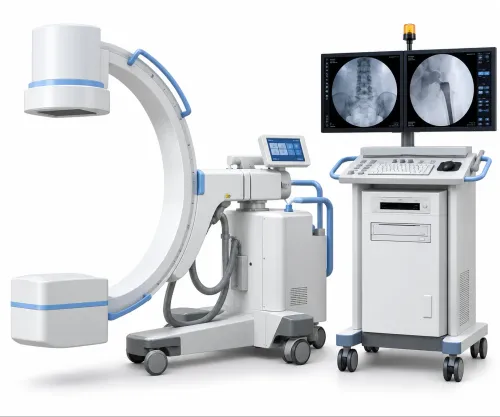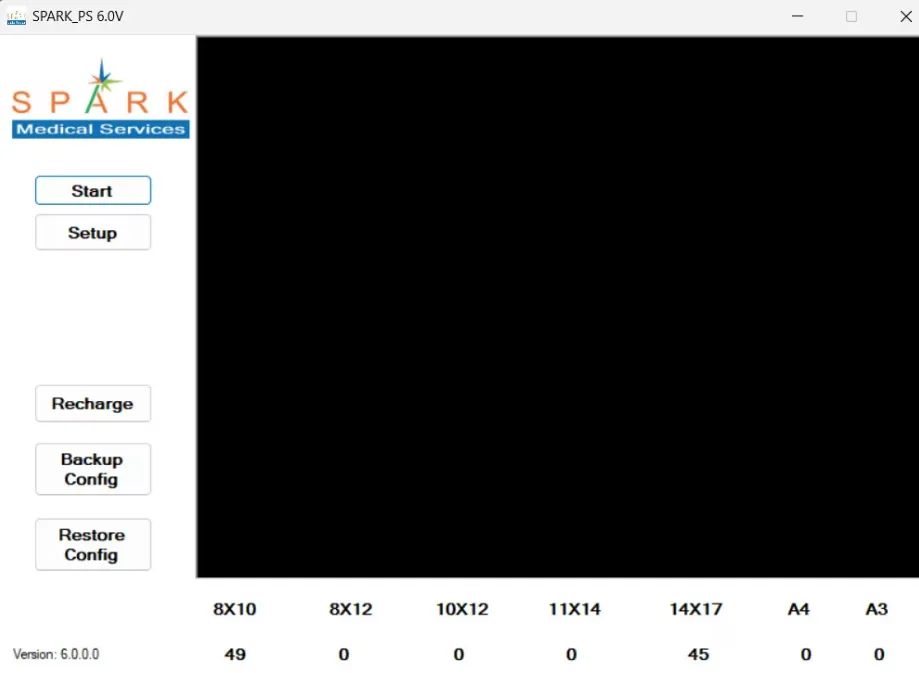
Medical imaging has become increasingly digital, making it easier for healthcare professionals to access, review, and share diagnostic images. Whether interpreting an X-ray, CT scan, MRI, or ultrasound, having the right viewing software is just as important as the imaging equipment itself. A DICOM Viewer Online Offline solution allows radiologists, physicians, and healthcare teams to view medical images efficiently while supporting clinical decision-making.
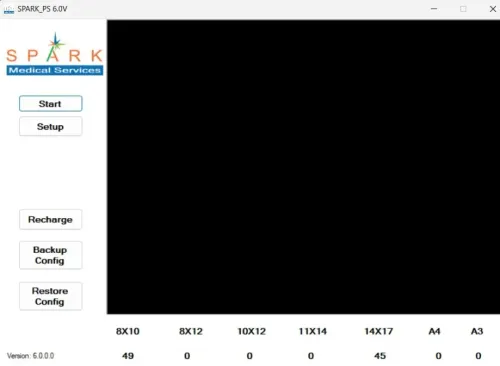
Hospitals and diagnostic centres across Nashik are adopting digital imaging technologies at a rapid pace, and selecting the right DICOM viewing platform has become an important part of building a reliable healthcare workflow. Providers such as Spark Medical Services help medical facilities implement viewing solutions that integrate smoothly with existing imaging systems.
What Is a DICOM Viewer?
A DICOM Viewer is software designed to open, display, and manage medical images stored in the DICOM (Digital Imaging and Communications in Medicine) format. It enables healthcare professionals to review diagnostic studies generated from different imaging modalities while maintaining patient information and image quality.
A DICOM Viewer commonly supports:
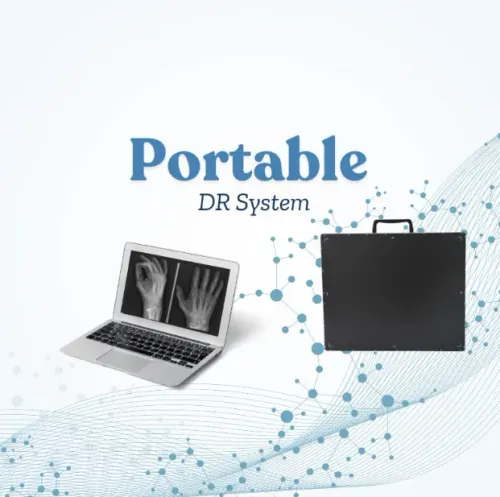
- Digital Radiography (DR)
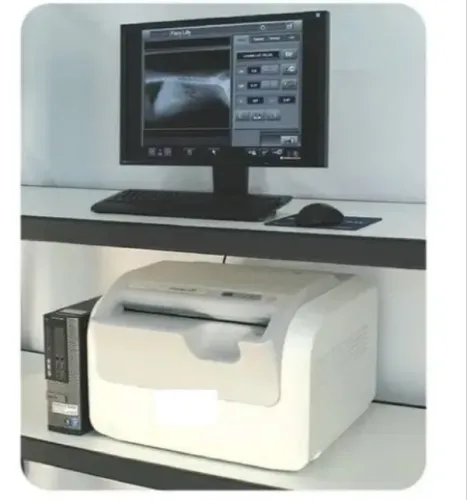
- Computed Radiography (CR)
- CT Scans
- MRI
- Ultrasound
- Mammography
- Fluoroscopy
Depending on the workflow, healthcare facilities can choose between online and offline viewing options.
Understanding Online DICOM Viewers
An online DICOM Viewer allows authorized users to access medical images through a secure web browser. Images are typically stored on a central server or cloud-based platform, making them accessible from multiple locations.
Advantages of Online Viewers
- Access images from different locations
- Easy collaboration between specialists
- No need for installation on every device
- Automatic software updates
- Suitable for multi-location hospitals
These features are particularly useful when specialists need to review cases remotely or when multiple departments require simultaneous access.
Considerations
- Requires a reliable internet connection
- Security protocols must be properly implemented
- Performance may depend on network speed
Understanding Offline DICOM Viewers
An offline DICOM Viewer is installed directly on a workstation or computer within the healthcare facility. Images are viewed locally without requiring continuous internet access.
Advantages of Offline Viewers
- Fast image loading
- Independent of internet connectivity
- Stable performance during network interruptions
- Suitable for high-volume diagnostic reporting
Offline viewers are often preferred in radiology departments where large imaging studies are reviewed throughout the day.
Considerations
- Software updates may require manual installation
- Access is generally limited to installed devices
- Sharing images may require additional systems such as PACS
Online vs Offline: A Practical Comparison
When choosing between the two, healthcare administrators should evaluate their operational needs rather than assuming one option is universally better.
Online DICOM Viewer
Best suited for:
- Hospital networks with multiple branches
- Tele-radiology services
- Remote specialist consultations
- Cloud-based healthcare environments
Offline DICOM Viewer
Best suited for:
- Standalone diagnostic centres
- High-volume reporting workstations
- Facilities with limited internet connectivity
- Dedicated radiology departments
Many hospitals actually use a combination of both to balance flexibility and performance.
Features Every DICOM Viewer Should Offer
Regardless of whether the viewer is online or offline, certain capabilities are essential for clinical use.
Look for features such as:
- DICOM compatibility
- Image zoom and pan
- Brightness and contrast adjustment
- Measurement tools
- Annotation features
- Multi-monitor support
- Patient search functionality
- Secure user authentication
- Integration with PACS and Hospital Management Systems
These features improve efficiency while supporting accurate image interpretation.
Why Integration Matters
A DICOM Viewer works best when it forms part of a connected digital healthcare ecosystem.
Integration with the following systems improves workflow:
- PACS
- Hospital Management System
- Radiology Information System (RIS)
- Digital Radiography systems
- Computed Radiography systems
This reduces duplicate data entry and allows physicians to access patient images and reports from a single workflow.
For hospitals in Nashik handling increasing patient volumes, seamless integration can save valuable time while improving coordination across departments.
Common Mistakes When Selecting a Viewer
Healthcare organizations should avoid making purchasing decisions based solely on price.
Some common mistakes include:
- Ignoring DICOM compatibility
- Choosing software without technical support
- Overlooking cybersecurity features
- Not considering future scalability
- Failing to test image performance
- Ignoring integration requirements
A careful evaluation ensures that the chosen viewer continues to meet operational needs as the organization grows.
Frequently Asked Questions
Can an online DICOM Viewer be used outside the hospital?
Yes. With proper authorization and secure access protocols, healthcare professionals can review images remotely when supported by the system.
Does an offline viewer require internet access?
No. Once installed, offline viewers can function without continuous internet connectivity, making them suitable for facilities where network access is limited.
Can one viewer support different imaging modalities?
Most modern DICOM Viewers are designed to display images from multiple modalities, including DR, CR, CT, MRI, and ultrasound.
Which option is better for hospitals?
The answer depends on workflow requirements. Large hospitals often benefit from combining online accessibility with offline reporting workstations to achieve both flexibility and high performance.
Choosing the right DICOM Viewer Online Offline solution is about more than simply viewing medical images. It affects reporting speed, collaboration, data security, and overall operational efficiency.
For hospitals and diagnostic centres in Nashik, selecting software that integrates seamlessly with existing imaging systems while supporting future expansion helps create a more connected and productive healthcare environment.
With guidance from experienced providers like Spark Medical Services, healthcare organizations can implement a viewing solution that aligns with both their clinical objectives and long-term digital transformation plans.
Keywords